


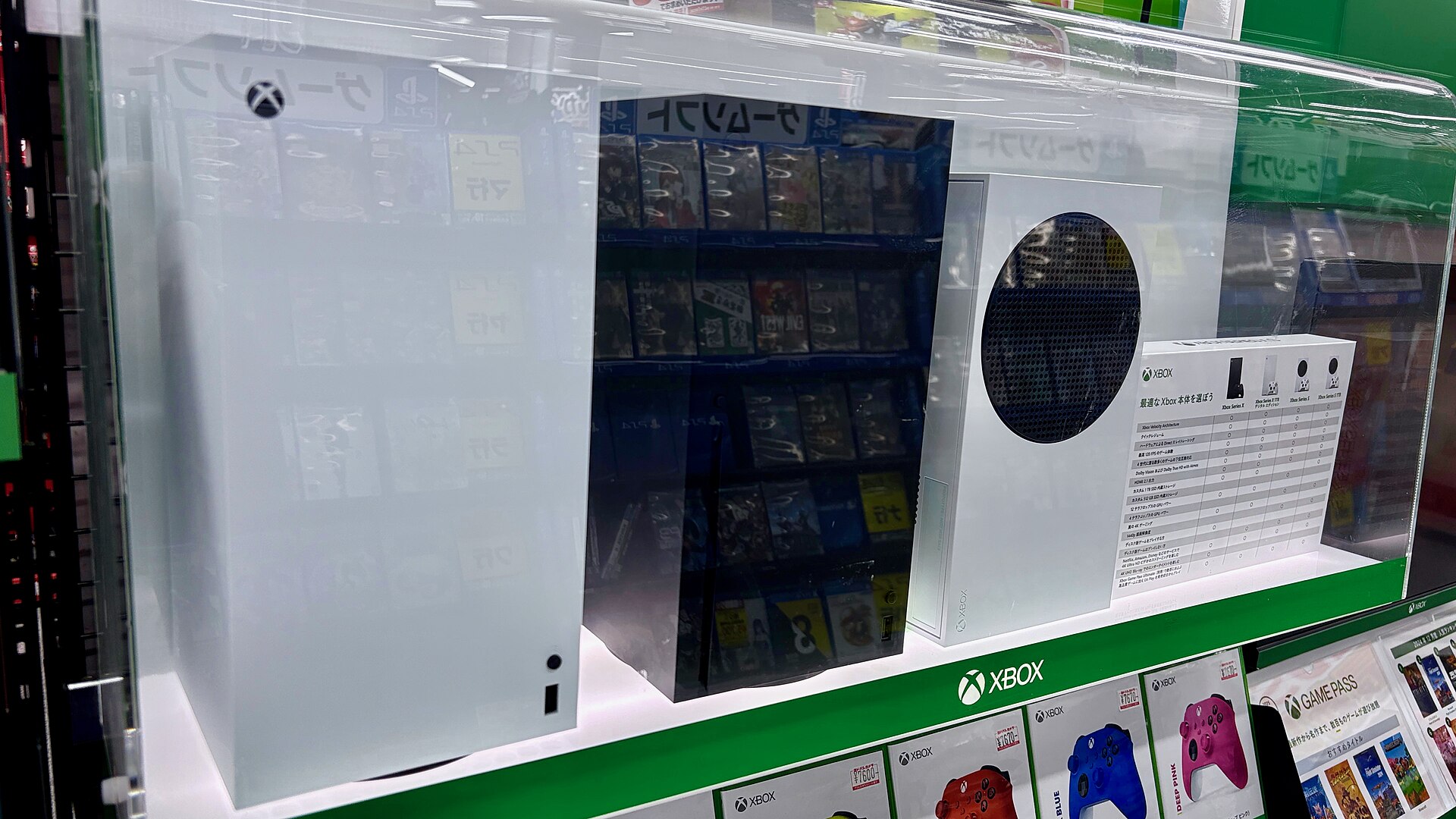
Microsoft has introduced a new feature called Disc to Digital, allowing Xbox players to convert physical game discs into permanent digital licenses. The tool is now available to all users following a beta period for Xbox Insider members. This development comes as the industry shifts toward digital distribution, with Sony recently announcing plans to abandon physical discs by 2028. While Microsoft has not confirmed the status of physical media for its next-generation console, codenamed Project Helix, this new feature suggests a move toward a disc-less future.
How to Claim Digital Licenses
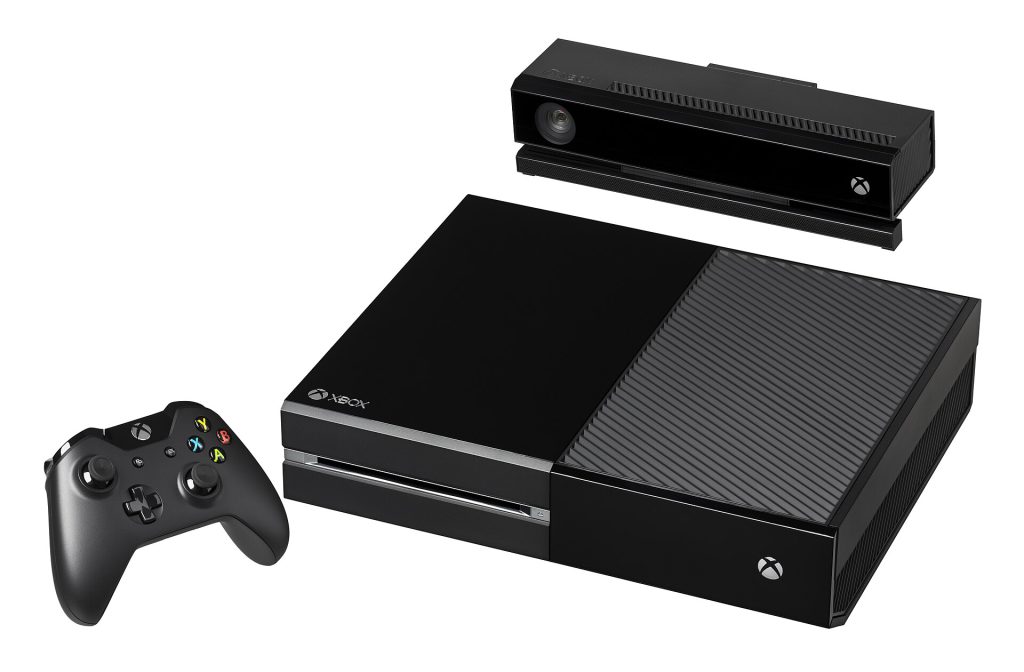
The process requires an Xbox Series X, Xbox One, or Xbox Series S console. Players must insert a supported physical game disc into their console while signed into their Xbox account. The system does not always grant the license automatically upon launching the game. Instead, users must press the menu button while hovering over the game tile on the home screen. If the title is supported, an option to Claim Digital License will appear.
Once selected, a pop-up confirms that the digital license is unlocked. The game then appears in the user library with a new icon showing a disc disintegrating into data bits. Users can install the game and any updates without the disc in the drive. This feature works on both current-generation and last-generation consoles with disc drives. Players who upgraded to the disc-less Xbox Series S can use an older Xbox One to claim licenses for their physical collections.
Storage management is a key consideration. Xbox Series games must be installed on the internal SSD or an official expansion drive. External hard drives can only store Xbox One games. Expansion cards are expensive, ranging from $200 for a 1-terabyte model to $550 for a 4-terabyte version. Users can disable the Play disc automatically setting in system preferences to manage storage space more effectively.
Game Compatibility and Limitations
Not every physical game is eligible for conversion. Microsoft has not published an official list of supported titles. First-party games such as Halo, Gears of War, and Forza Horizon are generally supported. However, legacy titles like Fallout 4 are not currently eligible, despite Microsoft acquiring Bethesda in 2021. Third-party games show inconsistent support. The Lego Ninjago Movie Video Game works, while Dead Rising 3 does not.
Users may encounter error messages if a game is not supported. One message states that the game is not participating in digital licensing. Another indicates that the disc cannot be used to get access to a digital license, which may be due to the disc being unsupported or damaged. The lack of clarity on which games are included makes the process unpredictable for many users.
The feature is strictly limited to Xbox One and Xbox Series games. It does not support Xbox 360 or original Xbox discs. This restriction likely exists because those older consoles lack unique identifiers for their discs, which could allow users to share digital licenses freely. Microsoft requires users to keep possession of their physical discs to maintain the digital license, though it has not clarified if periodic re-insertion is required to validate the license.
Cloud Gaming and Subscription Caps
Access to digitized games varies across platforms. Xbox One games can be played on Xbox Series consoles, but the reverse is not true. PC players can install Disc to Digital games if they are part of Microsoft’s Play Anywhere catalog. Cloud gaming access is determined by subscription tier, not just catalog inclusion. Microsoft recently capped cloud gaming hours based on plan level.

Game Pass Ultimate subscribers are limited to 15 free hours per month. Premium users get 10 hours, and Essential plan users receive only five hours. Additional streaming time must be purchased through the Xbox Store. This cap applies regardless of whether a game is available in the cloud library. Users should be aware that cloud gaming access is restricted by these time limits, not solely by game availability.
The Disc to Digital feature offers a convenient way to archive physical collections. It addresses the growing issue of game install sizes exceeding disc capacities. However, the lack of universal support and unclear license validation rules remain significant hurdles. Microsoft has not confirmed if these issues will be resolved in the future. Players should hold onto their physical discs until further notice.
Source: Wired
