

Close Menu
iM.NewsiM.News

    Subscribe to Updates

    Get the latest creative news from FooBar about art, design and business.

    What's Hot

    Madrid Winter Guide: Festive Markets, Stews and Snow Views

    November 22, 2026

    Tiny 2.1: AI Language Model Runs on 486 PCs via Floppy Disk

    November 22, 2026

    James Gray on Coppola’s Advice to ‘Be Personal’ in Filmmaking

    November 22, 2026
    Facebook X (Twitter) Instagram
    iM.NewsiM.News
    Subscribe
    • Home
    • Lifestyle

      Madrid Winter Guide: Festive Markets, Stews and Snow Views

      November 22, 2026

      Princess of Wales Shares Cancer Journey in New BBC Documentary

      November 22, 2026

      Wales pauses midwife recruitment as jobs vanish

      November 22, 2026

      She Flew Me to the Scene of My Favorite Romantic Movie

      November 22, 2026

      Beat UK Inflation: Savings and Pension Strategies for 2027

      November 22, 2026
    • Relations

      South Korea Education Minister Resigns Over AI Cheating Scandal

      November 22, 2026

      Ukraine Drone Strike Hits Russian Ship in Baltic Sea

      November 22, 2026

      FBI Investigates Apparent Hack of Criminal Database

      November 22, 2026

      Teen Gamer and Mother Rescue Missing Girl Held in Oregon

      November 22, 2026

      Trump Confirms FBI Database Breach Amid US Cyberwave

      November 21, 2026
    • Technology

      Tiny 2.1: AI Language Model Runs on 486 PCs via Floppy Disk

      November 22, 2026

      How to Enable USB Charging on Your PC When It Is Off

      November 22, 2026

      Signal Blocks Mobile Screenshots to Counter AI Privacy Risks

      November 22, 2026

      Google Discontinues Assistant Mobile, Pixel Tablet, and Nest Speakers in 2026

      November 22, 2026

      USDA and FBI Hit by Separate Cyberattacks This Week

      November 22, 2026
    • Travel & Tourism

      Avelo Airlines Cancels 31 Routes for Winter 2026/27

      November 22, 2026

      Hyatt Opens First Australian Andaz, Hilton Plans Rome LXR Property

      November 21, 2026

      Qatar-Gifted 747 Sets Two Air Force Records on Nonstop Flight

      November 21, 2026

      Accor Shareholder Pushes to Oust CEO After Ennismore Deal

      November 21, 2026

      TAP Air Portugal Adds Nonstop Porto Service from Washington Dulles

      November 20, 2026
    • Get in Touch
    iM.NewsiM.News
    Home»Technology»Gadgets»How to Enable USB Charging on Your PC When It Is Off
    Gadgets

    How to Enable USB Charging on Your PC When It Is Off

    im.newsBy im.newsNovember 22, 2026No Comments3 Mins Read4 Views
    Facebook Twitter Pinterest LinkedIn Tumblr Email
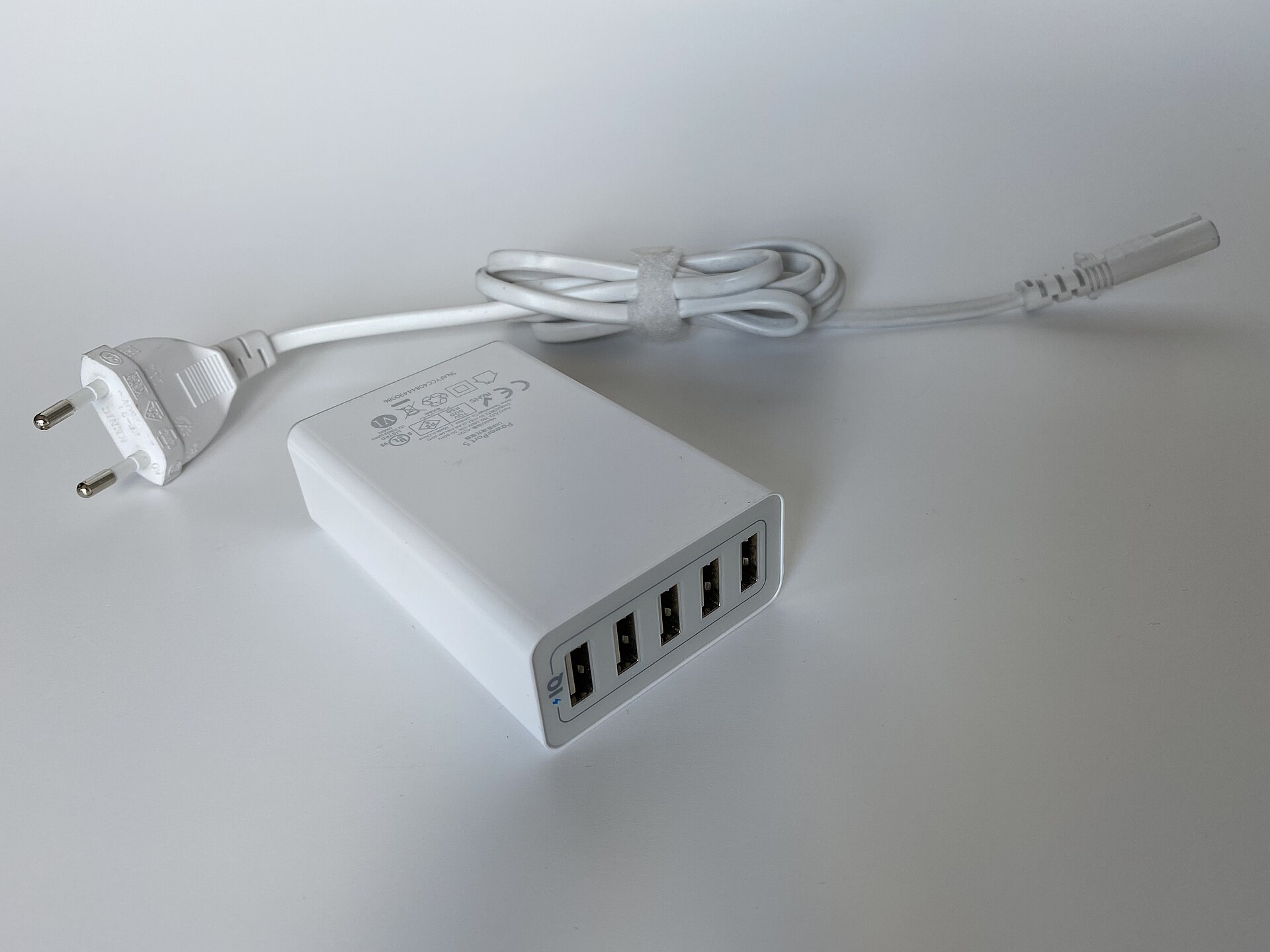
    USB port on a desktop computer motherboard with a charging cable plugged in
    Photo: www.digitalpush.net / Wikimedia Commons, CC BY 4.0
    Share
    Facebook Twitter LinkedIn Pinterest WhatsApp Email

    Many desktop and laptop computers offer a convenient feature that allows USB ports to continue supplying power even after the system has been completely shut down. This capability lets users charge smartphones, tablets, or other peripherals without needing a wall outlet. However, this functionality is not universal and often requires manual configuration within the computer’s firmware.

    The implementation of this feature varies significantly across manufacturers. Some brands label the capability as “Always On” USB, while others use terms like PowerShare. Visual indicators such as a battery icon or a lightning bolt symbol near the port may also signal support. Because terminology and hardware designs differ, consulting the specific manual for your device is the most reliable way to confirm if your system supports this function.

    Configuring Bios Settings for Power Delivery

    If your computer does not charge devices while powered down, the setting is likely disabled by default or restricted by energy-saving protocols. To activate this feature, you must access the Basic Input/Output System (BIOS) or Unified Extensible Firmware Interface (UEFI) menu. Restart your computer and press the designated key during boot, which is typically F2, Delete, or F10.
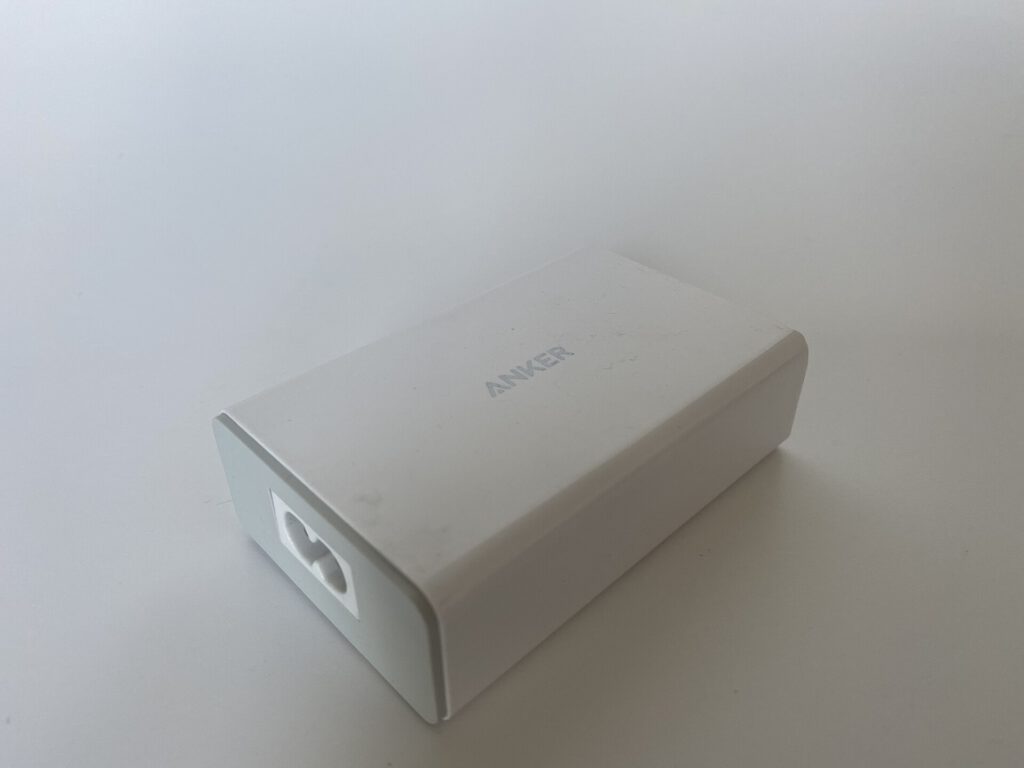
    Anker PowerPort 40W 5 Port USB Ladegeraet.3
    Photo: www.digitalpush.net / Wikimedia Commons, CC BY 4.0

    Once inside the firmware interface, navigate to the Advanced, Power, or Chipset sections. Look for an option labeled USB Power Delivery, Always On Charging, or similar terminology and enable it. It is also important to check for Energy-related Products (ErP) or Deep Sleep settings. These energy-saving features often cut power to USB ports to reduce consumption, so they must be disabled to allow continuous power flow.

    After making these changes, save the configuration and exit the menu. The system will reboot, and the USB ports should now remain active during shutdown. If the feature was not supported by the hardware to begin with, changing these settings will not enable charging.
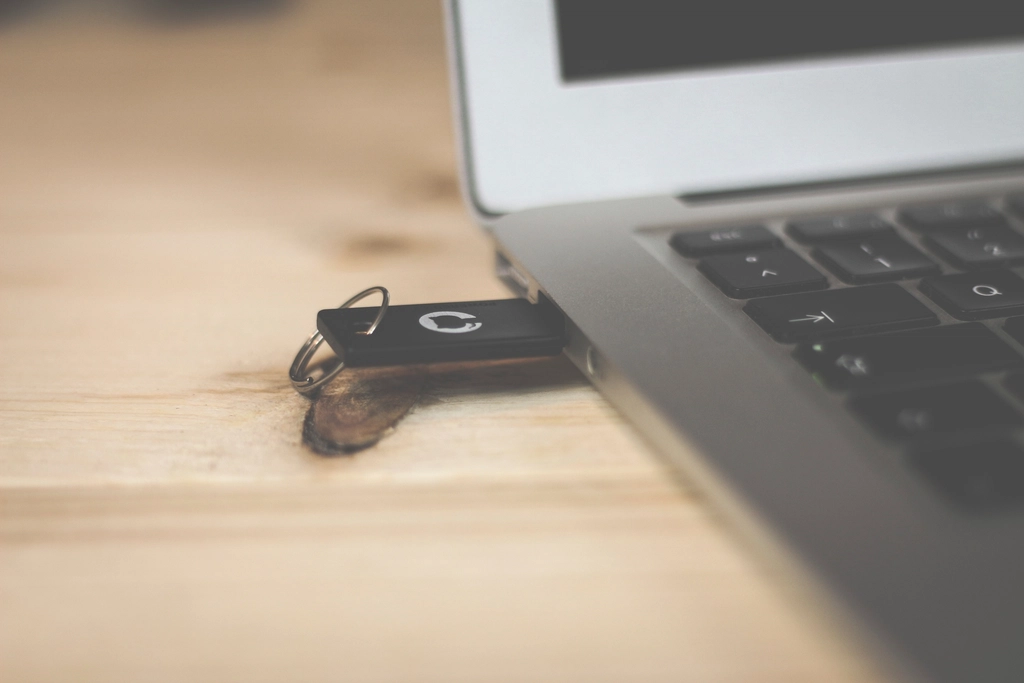
    pendrive USB port laptop
    Photo: Unknown / Rawpixel, CC0

    Desktop Versus Laptop Limitations

    Desktop computers generally rely on standby power from the power supply unit to maintain USB activity. This setup is straightforward and usually consistent across different ports on the motherboard. Laptops, however, operate under different constraints due to their battery reserves. Many laptop manufacturers disable USB charging when the internal battery drops below a specific threshold to preserve enough power for the system to boot.

    Some laptops also require the AC adapter to be plugged in for USB charging to function after shutdown. This restriction is a hardware limitation rather than a software setting. Users should also verify that their charging cables are in good condition. Old or damaged cables can fail to deliver power, leading to confusion about whether the feature is working.

    It is important to distinguish between power delivery and data transfer. Enabling USB charging when the PC is off only provides electricity. It does not allow for file transfers or data synchronization between the computer and the connected device. The ports remain electrically active but logically disconnected from the operating system.
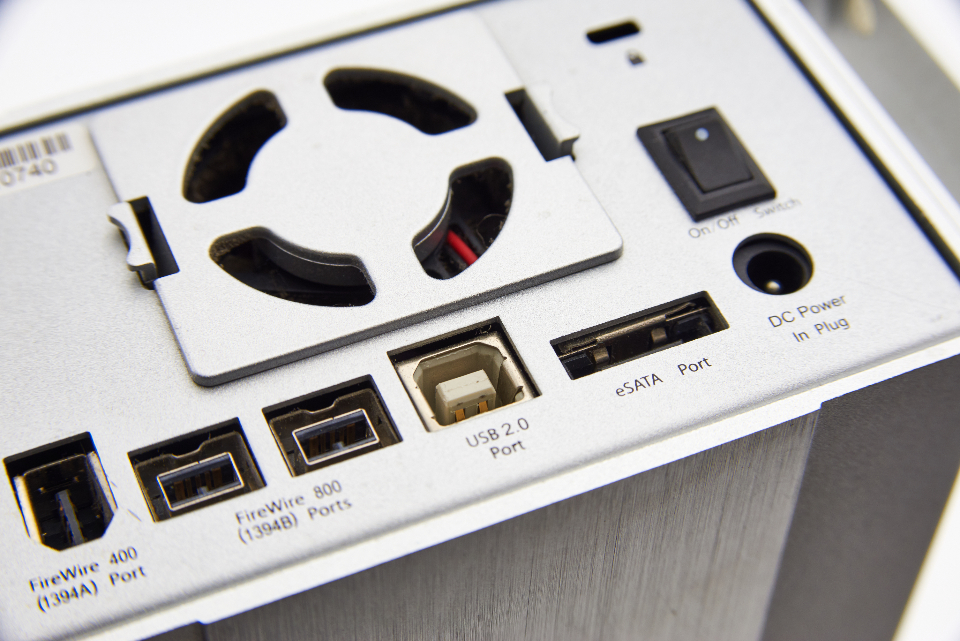
    External Hard
    Photo: Tim Sullivan / Stocksnap, CC0

    Testing the configuration is simple. Plug a phone into the USB port, shut down the computer, and observe if the device continues to charge. If the charging stops, revisit the BIOS settings to ensure the correct options are enabled and that no conflicting energy-saving modes are active.

    Source: Engadget

    bios settings Gadgets Hardware pc troubleshooting tech tips usb charging
    Share. Facebook Twitter Pinterest LinkedIn Tumblr Email
    Previous ArticleJuno Spacecraft Reveals Jupiter’s Colorful Cloud Swirls
    Next Article She Flew Me to the Scene of My Favorite Romantic Movie
    im.news

    Related Posts

    Madrid Winter Guide: Festive Markets, Stews and Snow Views

    November 22, 2026

    Tiny 2.1: AI Language Model Runs on 486 PCs via Floppy Disk

    November 22, 2026

    James Gray on Coppola’s Advice to ‘Be Personal’ in Filmmaking

    November 22, 2026
    Leave A Reply Cancel Reply

    Latest Posts

    Madrid Winter Guide: Festive Markets, Stews and Snow Views

    November 22, 20263 Views

    Tiny 2.1: AI Language Model Runs on 486 PCs via Floppy Disk

    November 22, 20266 Views

    James Gray on Coppola’s Advice to ‘Be Personal’ in Filmmaking

    November 22, 20266 Views

    Princess of Wales Shares Cancer Journey in New BBC Documentary

    November 22, 20265 Views
    Stay In Touch
    • Facebook
    • Twitter
    • Pinterest
    • Instagram
    • YouTube
    • Vimeo
    Don't Miss

    Epstein List Phase 1: Full Flight Logs, Client List Released

    February 28, 2025 News Focus 247 Views

    In a stunning development that has sent shockwaves through political and entertainment circles, Attorney General…

    Microsoft Stock Joins Exclusive $4 Trillion Club After Blockbuster Cloud + AI Earnings

    July 31, 2025

    DOJ & FBI Find No Epstein Client List, Suicide Confirmed

    July 7, 2025

    Subscribe to Updates

    Get the latest creative news from SmartMag about art & design.

    About Us
    About Us

    We provide the daily life news. You find latest trendy news at our portal, from entertainment to economy or politics.

    We're accepting new partnerships right now.

    Email Us: info@im.news

    Facebook X (Twitter) RSS
    Our Picks

    Madrid Winter Guide: Festive Markets, Stews and Snow Views

    November 22, 2026

    Tiny 2.1: AI Language Model Runs on 486 PCs via Floppy Disk

    November 22, 2026

    James Gray on Coppola’s Advice to ‘Be Personal’ in Filmmaking

    November 22, 2026
    Most Popular

    Epstein List Phase 1: Full Flight Logs, Client List Released

    February 28, 2025247 Views

    Microsoft Stock Joins Exclusive $4 Trillion Club After Blockbuster Cloud + AI Earnings

    July 31, 2025208 Views

    DOJ & FBI Find No Epstein Client List, Suicide Confirmed

    July 7, 2025165 Views
    © 2026 I'm News. Designed by I'm News.
    • Home
    • Lifestyle
    • Relations
    • Travel & Tourism
    • Technology

    Type above and press Enter to search. Press Esc to cancel.