


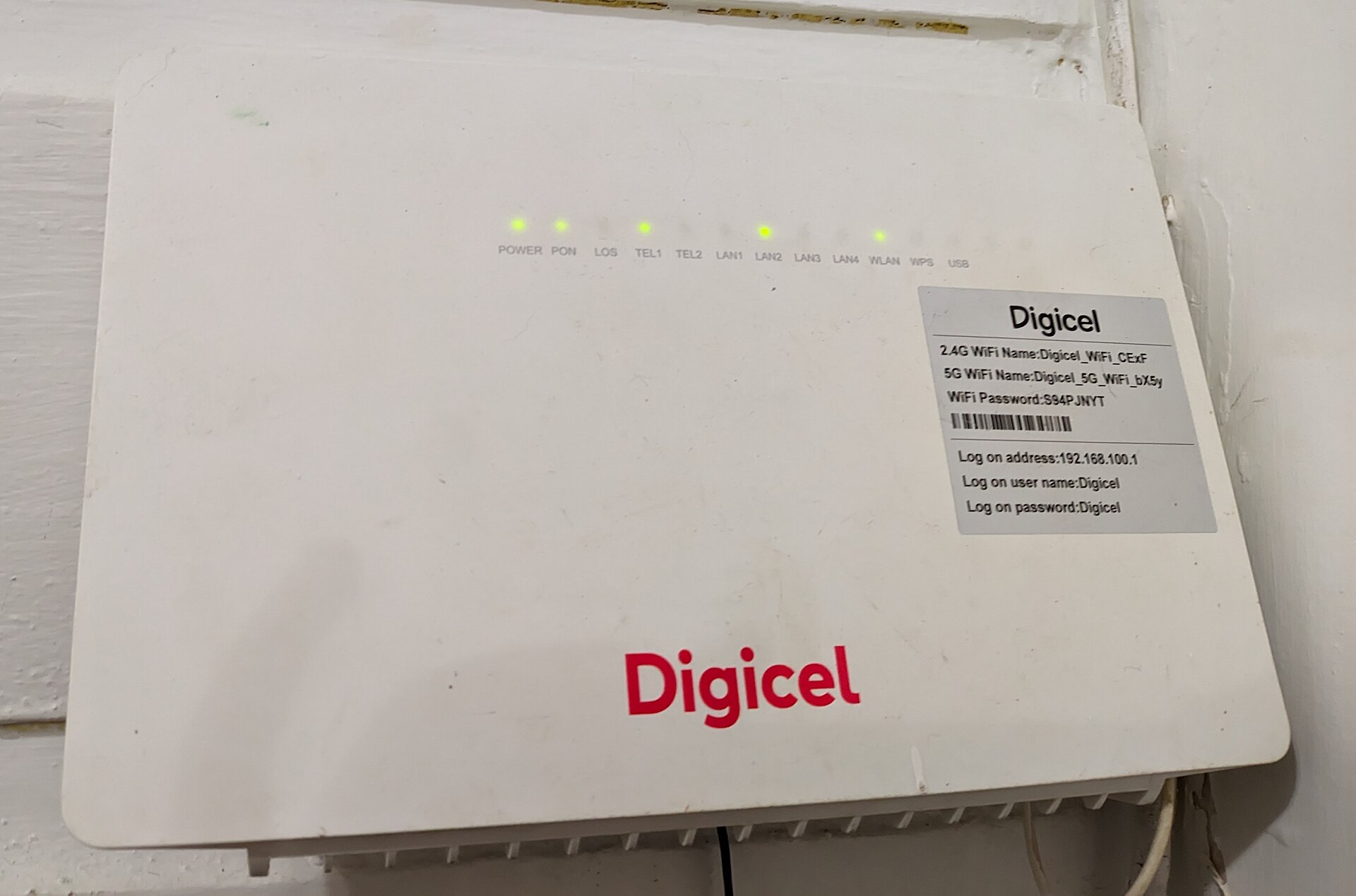
It is easy to assume that a connected camera or router still functioning perfectly does not need replacing. However, a home network is only as secure as its weakest link. That weak point is often a device so old that the manufacturer has stopped sending software updates or security patches.
Many consumers do not realize how frequently gadgets require replacement. Security cameras should typically be replaced every five to seven years. Netgear, a major router manufacturer, recommends replacing hardware every four or five years. If you notice slower connections, the device is likely well past its prime and may already be facing security concerns.
The Threat of End-of-Life Hardware
When outdated gadgets are compromised, they can send your data to bad actors or join a botnet. In 2025, the FBI issued a warning that end-of-life routers are being targeted by cybercriminals. These devices no longer receive software updates, leaving them open to exploitation.
A 2024 Consumer Reports study highlighted that most appliance makers do not tell consumers in advance how long they will offer software updates. The study found that only three of 19 major smart appliance brands told customers how long support would last. Even the longest promised updates lasted about five years, which falls short of the ten years many consumers expect.
Routers are also at significant risk. The FBI noted that routers dated 2010 or earlier likely no longer receive updates. These older gadgets were specifically targeted by malware called TheMoon. This malware infects routers to install proxies, allowing criminals to operate anonymously. TheMoon hack exploits open ports and a vulnerable script, meaning it does not even require a password to succeed.
Auditing Your Connected Devices
A recent report from Cisco found that nearly 40 percent of the vulnerabilities attackers targeted most affected end-of-life devices. About a third of exploited vulnerabilities were at least a decade old. While the report focused on businesses, the lesson applies to home networks as well. Attackers keep targeting old hardware because it never gets fixed. Just one outdated device can allow bad actors to enter the network and compromise everything else connected to it.
You do not need to replace everything in your home to improve safety. Start by taking stock of everything on your network. Log into your router’s admin page and review the list of connected devices. You may find forgotten gadgets like an old camera, a smart plug, or even a connected fridge.
Search online to see if the manufacturer still releases updates for each device. If your router no longer gets firmware updates or is considered an EOL gadget, it is time to replace it. If a smart appliance is too old for automatic updates, you can simply turn off its connected features.
The latest standard for router security is WPA3. To upgrade from WPA2, go to the router’s admin page, find the wireless security setting, and choose WPA3. Some older gadgets will struggle to connect after this switch, so choose WPA2/WPA3 if you run into issues. If there is no WPA3 option, it is time to replace the router.
To make your home network more secure in general, turn off remote management and use a strong password. Never use the default password that came with the router. Turn on automatic updates to ensure firmware is updated as soon as it is offered. You can also put old gadgets on a separate network so they cannot access more important devices like laptops or phones. However, data stored on outdated gadgets remains vulnerable, so replacing old hardware is always the best option for maximum security.
Source: Engadget
