


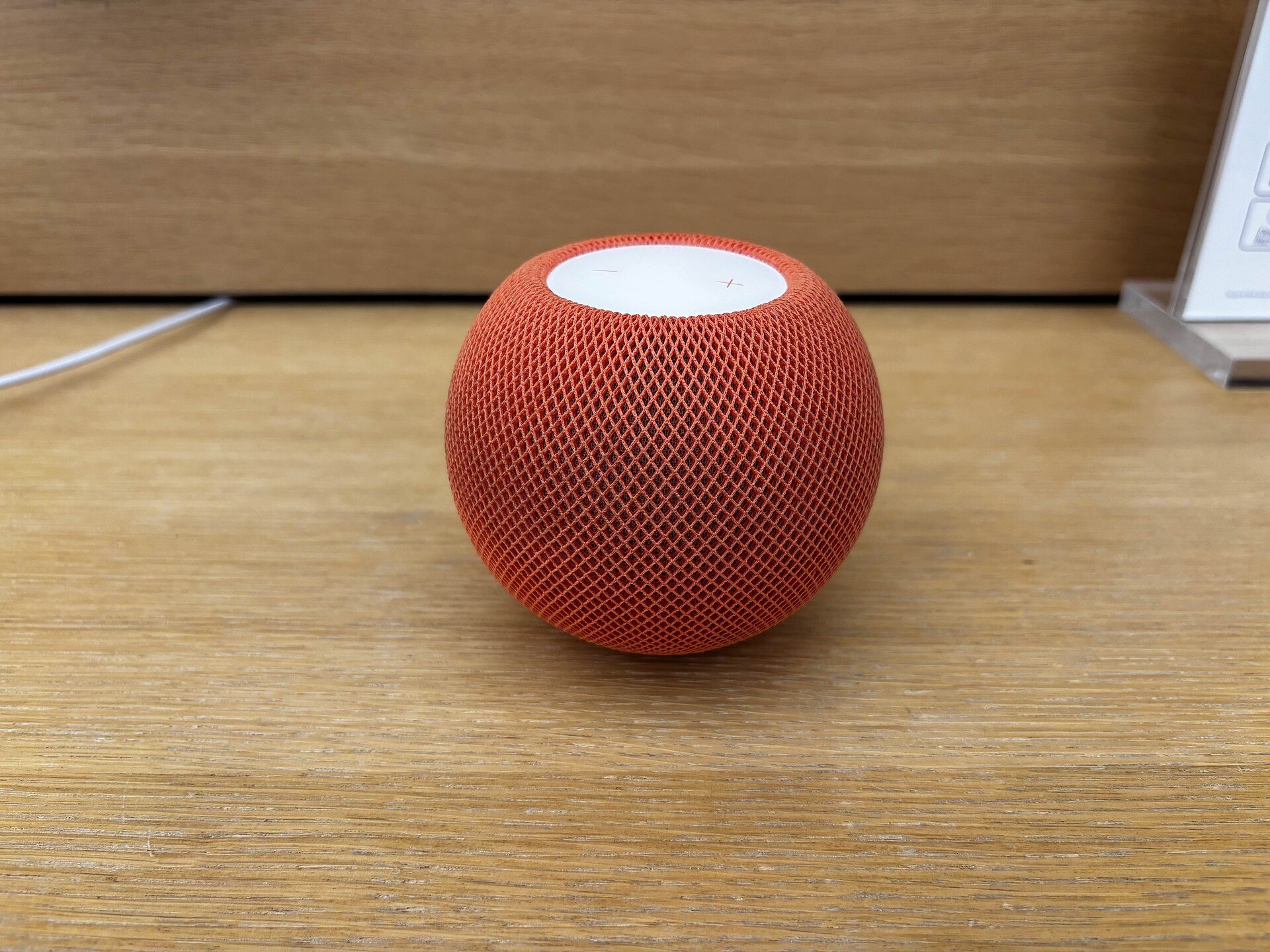
Apple is introducing a new visual feature for its HomePod lineup called Sound Glow. The update allows the speaker to display animated colors that correspond to the album artwork of the music currently playing. This addition aims to enhance the atmosphere in a room, particularly during social gatherings or parties.
HomePod Sound Glow Compatibility and Requirements
The Sound Glow feature is available for the HomePod mini, the second-generation HomePod mini, and the second-generation HomePod. The original HomePod released in 2018 does not support this functionality. To use the feature, users must update their devices to the latest software version, which is currently 27.2. This version is available in the release candidate beta channel.
The visual effect relies on the presence of album artwork for the track being played. When music or a podcast with cover art is active, the HomePod surface illuminates with two or three dominant colors extracted from the image. These colors move and bounce across the touch surface, creating a dynamic light display. The effect does not work for audio content without associated artwork.
How to Enable Sound Glow on HomePod
Users can activate the feature through the Home app on iOS or iPadOS. After updating to the required software version, open the Home app and long-press the icon for the specific HomePod. Scroll down to the settings section to find the new Sound Glow toggle. Switching this on enables the visual effect.
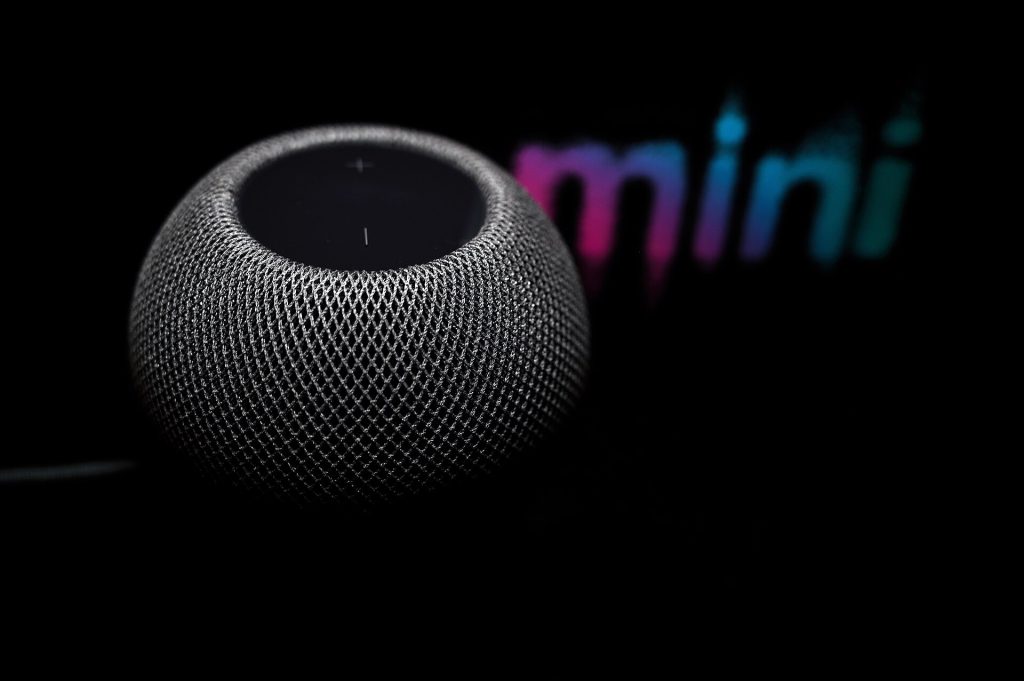
Alternatively, users with an Apple TV can manage the setting from the Control Center. Long-press the remote to access the menu, select the HomePod option, and toggle Sound Glow on or off. This method provides a quick way to enable the lights for events and disable them when they are not needed.
The brightness of the HomePod display is relatively low. The effect is most visible when the speaker is placed against a light-colored wall in a dark room. In such conditions, the colors cast a noticeable glow on the surrounding surface, even if the top of the device is not directly visible.
Source: 9to5Mac
