


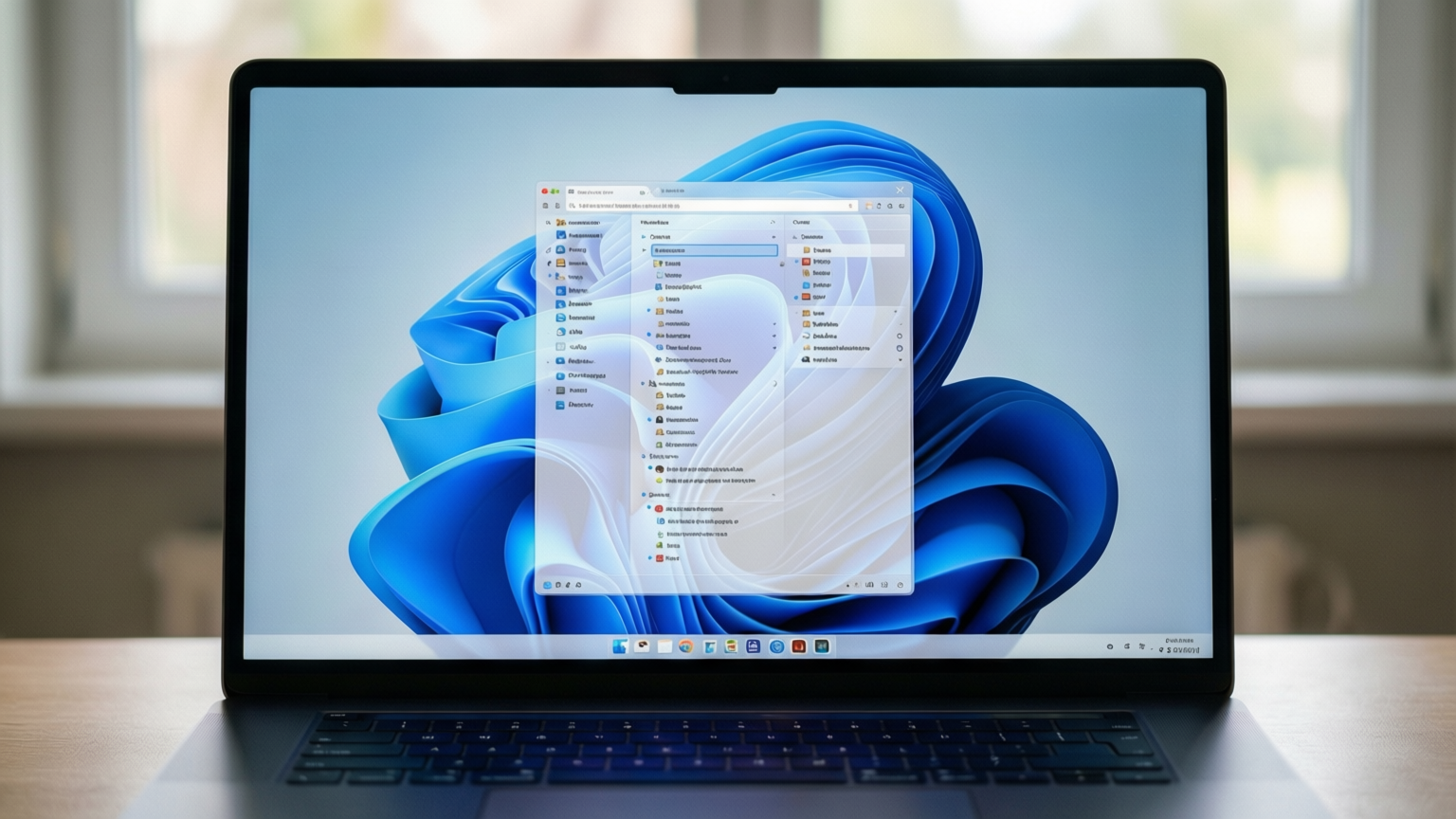
Microsoft has released its November Patch Tuesday update for Windows 11, introducing a highly requested feature that allows users to customize the right-click context menu. The update, identified as 2026-11 Security Update (KB5132061) with build 26300.9974, also addresses 1,094 security vulnerabilities, including one flaw that is currently being exploited in the wild.
Customizable Right-Click Menu
The new context menu customization feature aims to resolve the clutter that often accumulates in File Explorer as users install more applications. Previously, Windows 11 offered a modern, pared-down menu that sometimes lacked essential commands, forcing users to revert to the classic menu. This resulted in a fragmented experience where users had to navigate two different versions of the same interface.
With the latest rollout, users can now tailor the menu to display only their preferred commands. To access this feature, users should open File Explorer, right-click on a file or folder, and select the new “Customize menu” option. Alternatively, the setting can be found in Settings under Personalization and then Context menu.
This interface allows users to toggle specific file actions such as Send to, Print, Create shortcut, Copy as path, and Rotate image. Users can also choose which applications appear in the main menu or a submenu, and decide whether the classic menu remains accessible. Microsoft is rolling out this feature gradually, so availability may vary depending on the user’s system configuration.
Cloud Rebuild and System Improvements
Beyond the context menu, the update introduces a new recovery tool called Cloud rebuild. This feature enables users to reinstall Windows 11 using system images and drivers downloaded directly from Windows Update. This is particularly useful for systems that cannot boot normally and lack a physical recovery drive. The process requires an internet connection and will erase all files on the device, so users must ensure their data is backed up before proceeding.
The update also brings several refinements to core Windows features. File Explorer now displays file names, locations, and dates more clearly during searches. The Phone Link application will preview text from recent messages when users hover over them. Additionally, the AutoPlay dialog box has received a visual update, and the Privacy & security page in Settings now groups related controls for easier navigation.
Security Vulnerabilities and Exploits
Microsoft has patched 1,094 security vulnerabilities in this month’s update, with 63 rated as critical. While this is fewer than the 1,400 patches released in October, the number remains significant. The update addresses a spoofing vulnerability in Microsoft Outlook that is currently being exploited by attackers. This flaw allows a remote attacker to trick a user into opening a malicious email, causing Outlook to connect to a network controlled by the attacker without warning. This could potentially expose the user’s username and password.
Support for Windows 11 24H2 Home and Pro editions has ended, meaning these versions will no longer receive monthly updates. Users on these editions should upgrade to Windows 11 26H2 to continue receiving security patches. Windows 11 24H2 Enterprise and Education editions will continue to receive monthly security updates but will not get regular non-security preview updates. Windows 11 23H2 Enterprise and Education editions will receive no further updates after this month.
The update is mandatory and should install automatically. Users can check for the update in Settings under Windows Update. If the update is installed but a restart is pending, users should reboot their computers to complete the process.
Source: ZDNet
