


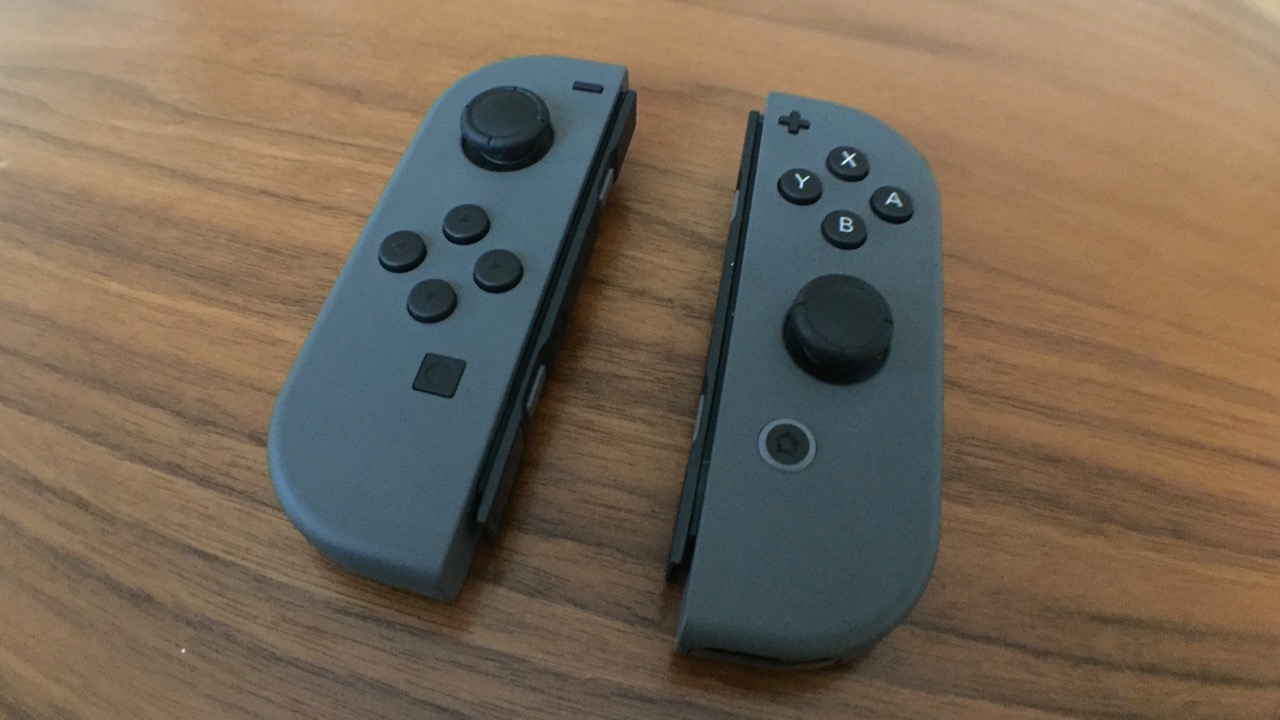
The Nintendo Switch 2 arrives as a refined iteration of its predecessor, retaining much of the original design language while introducing subtle but impactful upgrades. While the core experience remains familiar, many users overlook the system’s deeper settings that can improve performance, convenience, and hardware longevity. These Nintendo Switch 2 features range from battery management tools to advanced controller customization options.
Battery Health and Controller Tracking
Lithium-ion batteries degrade faster when kept at maximum charge for extended periods. The Switch 2 addresses this with a setting that limits charging to between 80 and 90 percent. Located in the System settings, this toggle prevents the battery from reaching 100 percent while docked, which is ideal for users who leave the console plugged in most of the time. Travelers may wish to disable this feature before a long trip to ensure a full charge.
Another practical addition is the ability to locate misplaced Joy-Con 2 controllers. The larger form factor of the new controllers makes them prone to slipping between couch cushions or under blankets. Users can open the Controllers menu and select Search for Controllers to trigger vibrations and sounds on paired devices. This feature only works with Switch 2 controllers and requires the device to be within range and powered on.
Advanced Control Customization
For players who find default button layouts uncomfortable, the system offers deep remapping capabilities. Accessed through Accessibility settings, the Button Mapping tool allows users to reassign inputs across connected controllers. You can swap standard buttons, such as moving the ZR and ZL inputs to R and L, or repurpose the C button to avoid accidental GameChat activations.
The system supports up to five saved profiles per controller, allowing users to switch between layouts for different games. A blue wrench icon indicates when a custom mapping is active. Additionally, a simple toggle in the Controllers & Accessories menu allows users to swap the A and B buttons, catering to those accustomed to PlayStation or Xbox controller layouts.
Game Sharing and Performance Tweaks
Nintendo has expanded how users share digital content through Virtual Game Cards. Members of a Nintendo family group can borrow games from each other for up to two weeks. The lender can loan three titles simultaneously, and borrowers can only hold one game at a time. This feature requires physical proximity to initiate the transfer.
For local multiplayer, GameShare allows users to stream compatible titles to nearby Switch or Switch 2 consoles. Supported titles include Donkey Kong Bananza, Clubhouse Games, and Super Mario Odyssey. This feature enables friends to join a game without purchasing a separate copy.
Performance can also be optimized for original Switch games. Enabling Handheld Mode Boost in System settings runs legacy titles as if they were in TV mode, potentially improving graphics and frame rates. This setting increases battery consumption and may disable touchscreen functionality. Users can also enable Skip Selection Screen to bypass the user profile menu if they are the only account on the device.
Finally, the Gallery app now supports automatic uploads of screenshots and video clips. Once enabled, the system uploads up to 100 items to the cloud for 30 days. Users can access these files via the Nintendo Switch app on their phones for easy sharing to social media or messaging platforms.
Source: Engadget
