


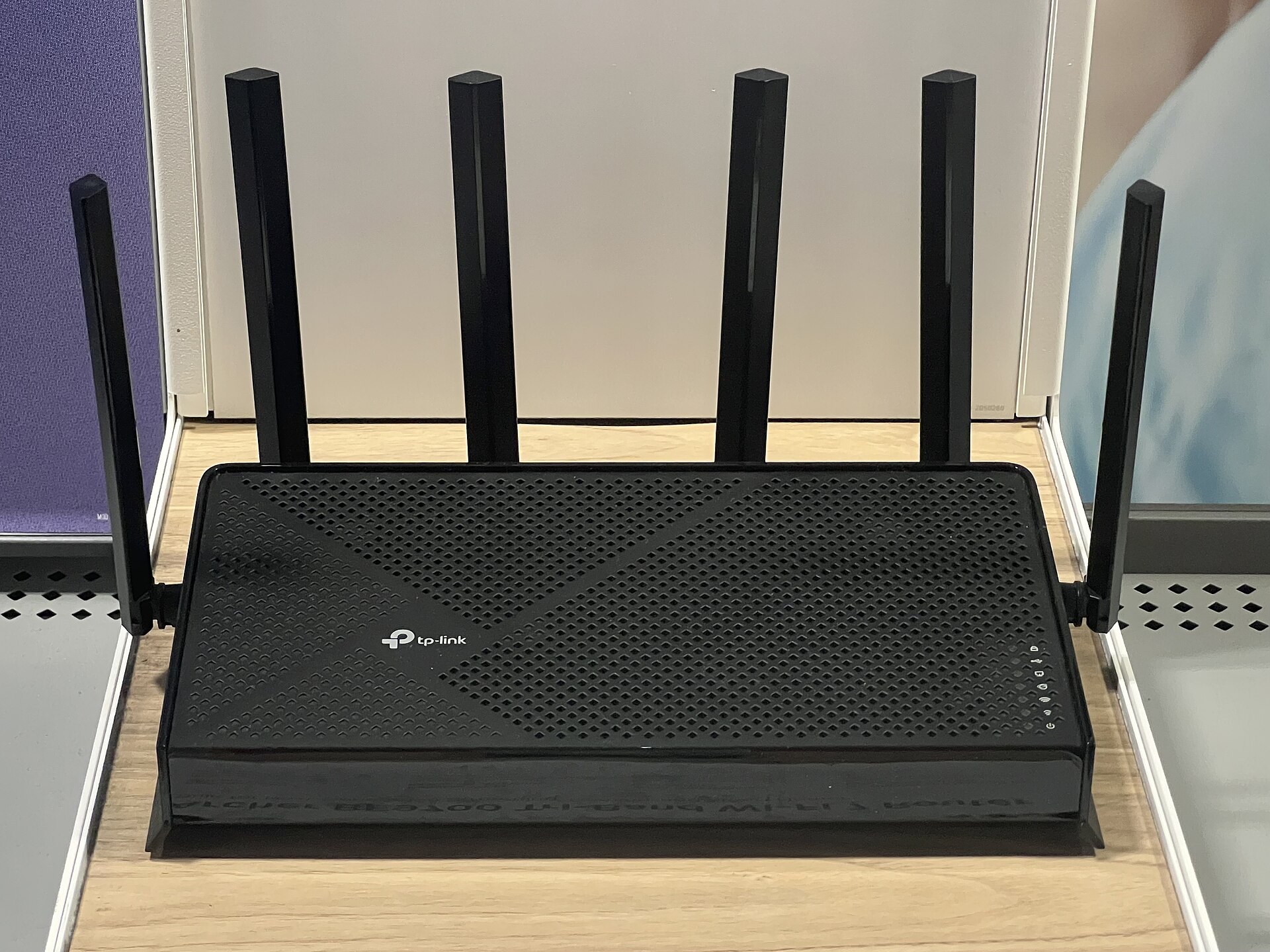
The transition to Wi-Fi 7 promises a substantial leap in network performance, with theoretical speeds reaching up to 46 Gbps. Despite these impressive specifications, many users report that their new setups fail to deliver the expected bandwidth. Online forums are filled with troubleshooting threads from owners of expensive new hardware who are confused by the discrepancy between marketing claims and real-world results.
Wi-Fi 7 was officially launched by the Wi-Fi Alliance in 2024. The standard introduces enhanced capacity for high-density environments and lower latency, features designed to support the growing number of connected devices in modern smart homes. However, adoption remains gradual. Data from connectivity intelligence firm Ookla indicates that Wi-Fi 7 accounted for only 7.2% of the market in early 2026, up from 1.8% the previous year.
Router Placement and Signal Degradation
One of the most common reasons for subpar performance is physical placement. Users often hide routers in corners or closets to maintain a tidy aesthetic, but this practice severely impacts signal quality. According to XDA, positioning a router too close to drywall causes radio signals to bounce off the walls and reflect back toward the device’s antennas. This reflection interferes with the original signal, effectively degrading the connection strength.
To resolve this issue, experts recommend moving the router to an open area, such as a media console shelf. If the device must remain near a wall, it should be positioned at least three feet away from the corner. After relocating the hardware, users should rerun speed tests to verify if the improvement is noticeable. This simple adjustment often yields immediate results without requiring additional hardware investment.
Device Congestion and Multi-Link Operation
Another critical factor is the number of devices connected to the network. Modern households typically have at least 20 devices linked to a single router, including smartphones, tablets, wearables, and smart home appliances. Netgear notes that managing this volume of traffic requires a router with a powerful processor and sufficient bandwidth from the internet service provider. If slowdowns occur primarily when multiple users are streaming or downloading simultaneously, the issue is likely congestion rather than hardware failure.
Wi-Fi 7 addresses this challenge through a feature called multi-link operation (MLO). This technology allows compatible devices to utilize multiple frequency bands, including 2.4 GHz, 5 GHz, and 6 GHz, simultaneously. By distributing traffic across these bands, MLO creates connections that are both faster and more reliable. However, this benefit is only realized if the connected devices also support the Wi-Fi 7 standard. Older devices remain backward compatible but will not benefit from the enhanced speeds or MLO capabilities.
Users experiencing slow speeds should first check their router’s location and ensure it is not obstructed by walls or furniture. Next, they should evaluate the number of active devices on the network. If the router is placed centrally and the network is not overloaded, the issue may lie with the internet service plan or the capabilities of the connected devices themselves.
Source: Engadget
