


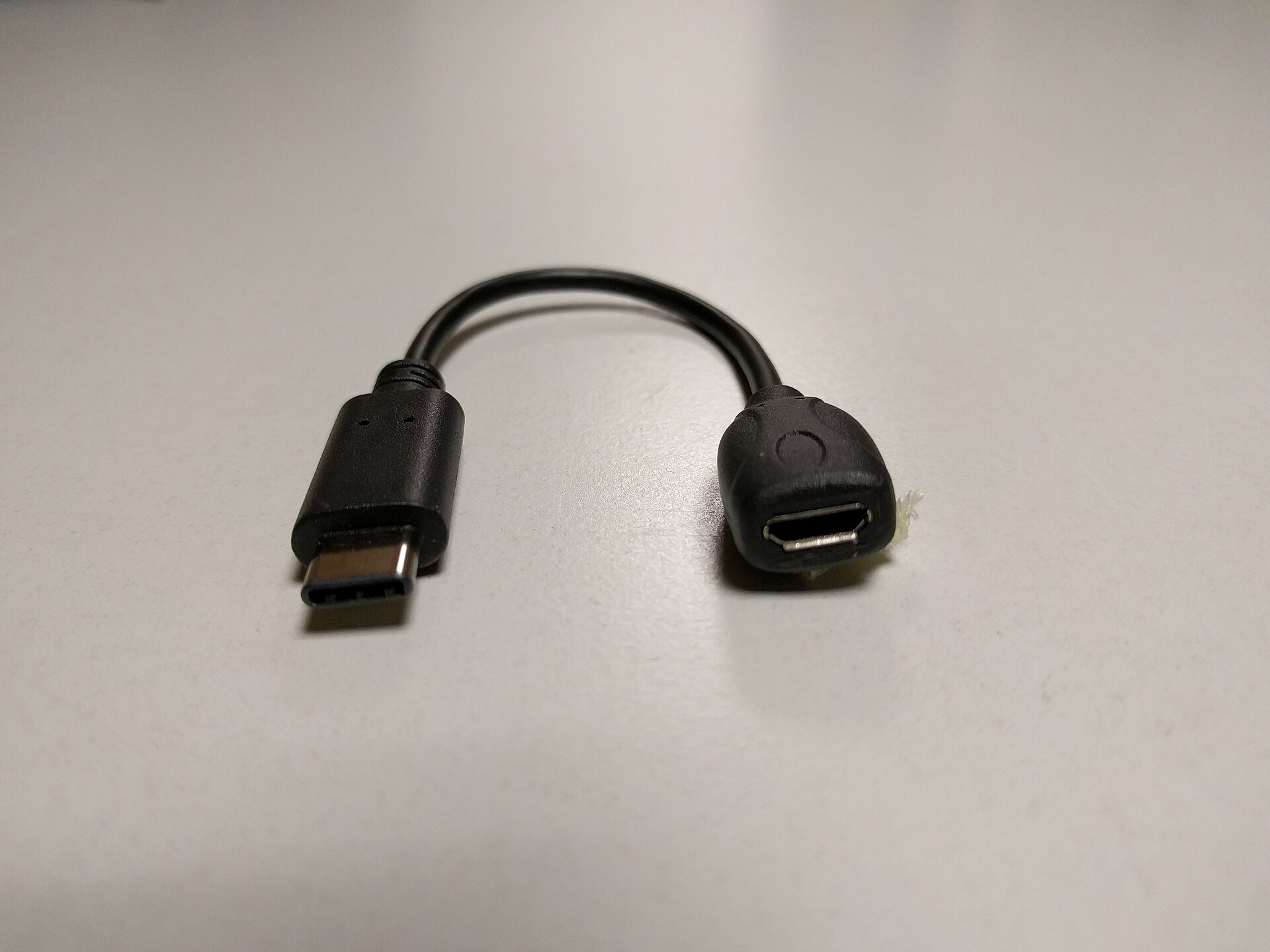
Micro USB is not completely extinct, but it is best to avoid it if you see it on a new gadget. The technology industry has created many USB variants since USB 1.0 arrived in 1996. Even modern computers often mix USB-A and USB-C ports, which can cause confusion when trying to plug in cables. Micro USB was once very common because it brought USB charging and data benefits to smaller devices. It replaced mini USB and lasted much longer than other older standards. You might still have some micro USB products at home, and you can still find new cables that use this older connection.
Performance and Charging Limits
When you have a choice, it is smart to skip micro USB. The presence of this port usually means a product is old or the manufacturer is cutting corners. The format dates back to 2007, the same year the original iPhone shipped. USB-C rolled out in 2014, which is over a decade ago. It is now so common that even cheap USB fans have stopped using micro USB. The older standard limits both data and power specs.
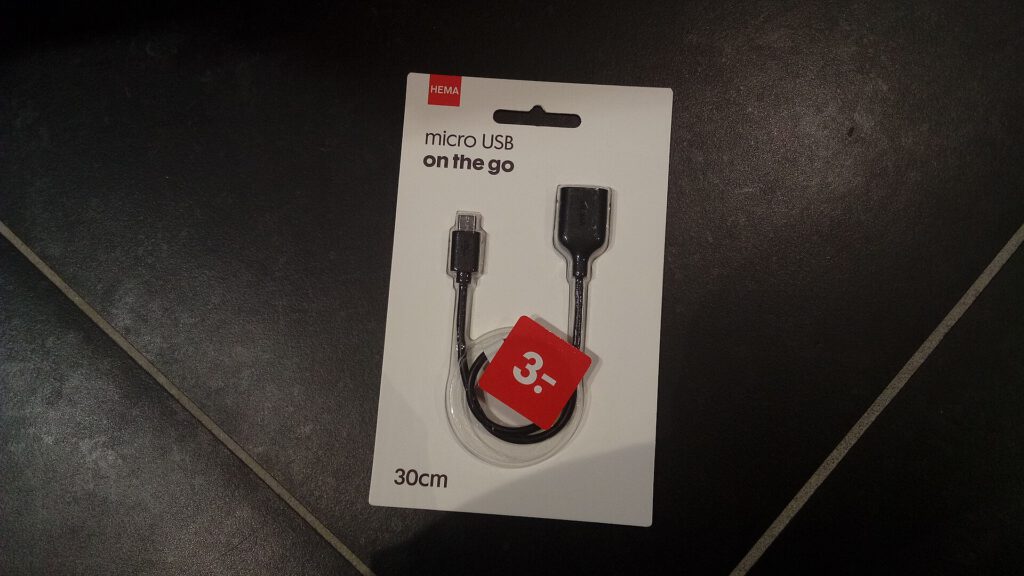
Data speeds on micro USB top out at 480 Mbps, which is the limit of USB 2.0. USB 3.0 allows 5 Gbps, and USB 4 starts at 40 Gbps. Power is a bigger issue. Micro USB wall chargers rarely deliver more than 7.5W. This is very slow compared to modern fast charging standards. Some laptops and Android phones use USB-C to reach 100W. Devices that fully support the USB PD standard can hit 240W.
Compatibility and Convenience Issues
Micro USB also creates convenience problems. Because it is no longer popular, you must keep different cables for these devices than the ones you use for everything else. This takes up space in your bag and occupies outlet slots. Adapters can help, but they are bulky. Micro USB is not reversible like USB-C, so you often have to fumble to find the right orientation. It is also easy to accidentally bend the pins in the older standard.
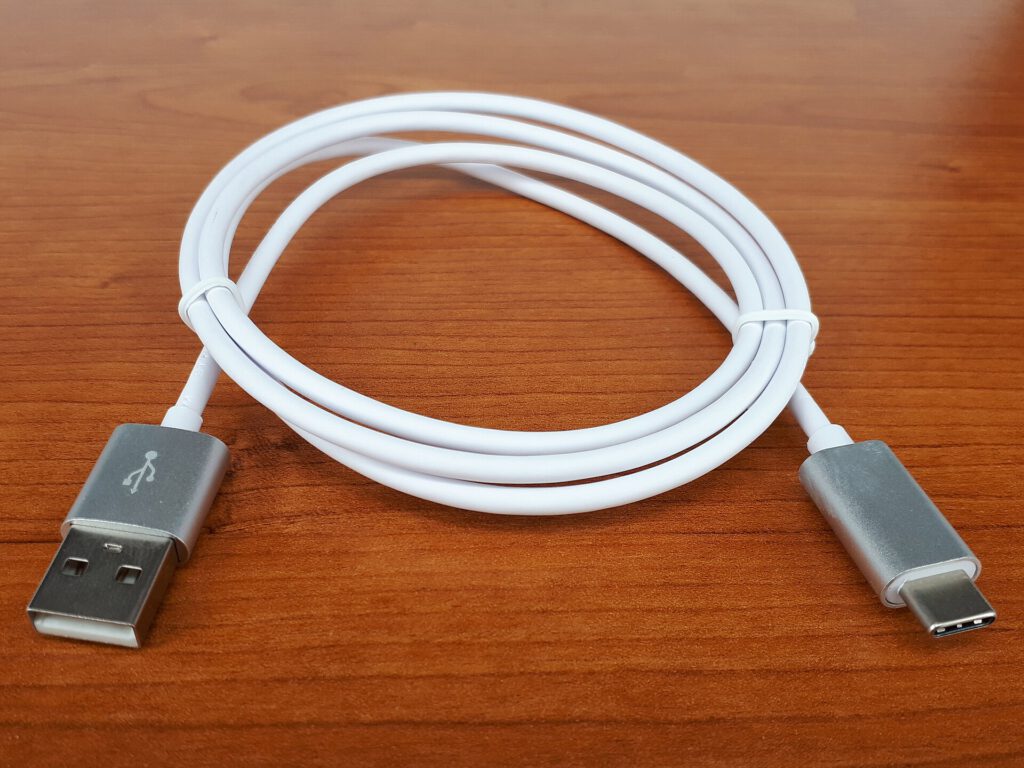
It will become harder to find new micro USB products over time. You will not find these ports on new smartphones or computers. For some categories, micro USB is still acceptable. Wireless earbuds have small batteries, so 7.5W might be enough to charge them quickly. Data speeds of 480 Mbps are fast enough for file transfers under one gigabyte. You should keep micro USB devices you already own to avoid e-waste. Just keep a dedicated cable for older Kindles, flashlights, or game controllers.
When buying new, look for USB-C. You will get better performance and might save money by not replacing a product prematurely. USB-C offers advantages even for earbuds. For example, the Powerbeats Pro 2 come with a USB-C charging case that enables up to 45 hours of total playback. The older Powerbeats3 used micro USB and offered 12 hours without a case. It is hard to imagine the longer battery life of the newer case being possible with micro USB.
Source: Engadget
