


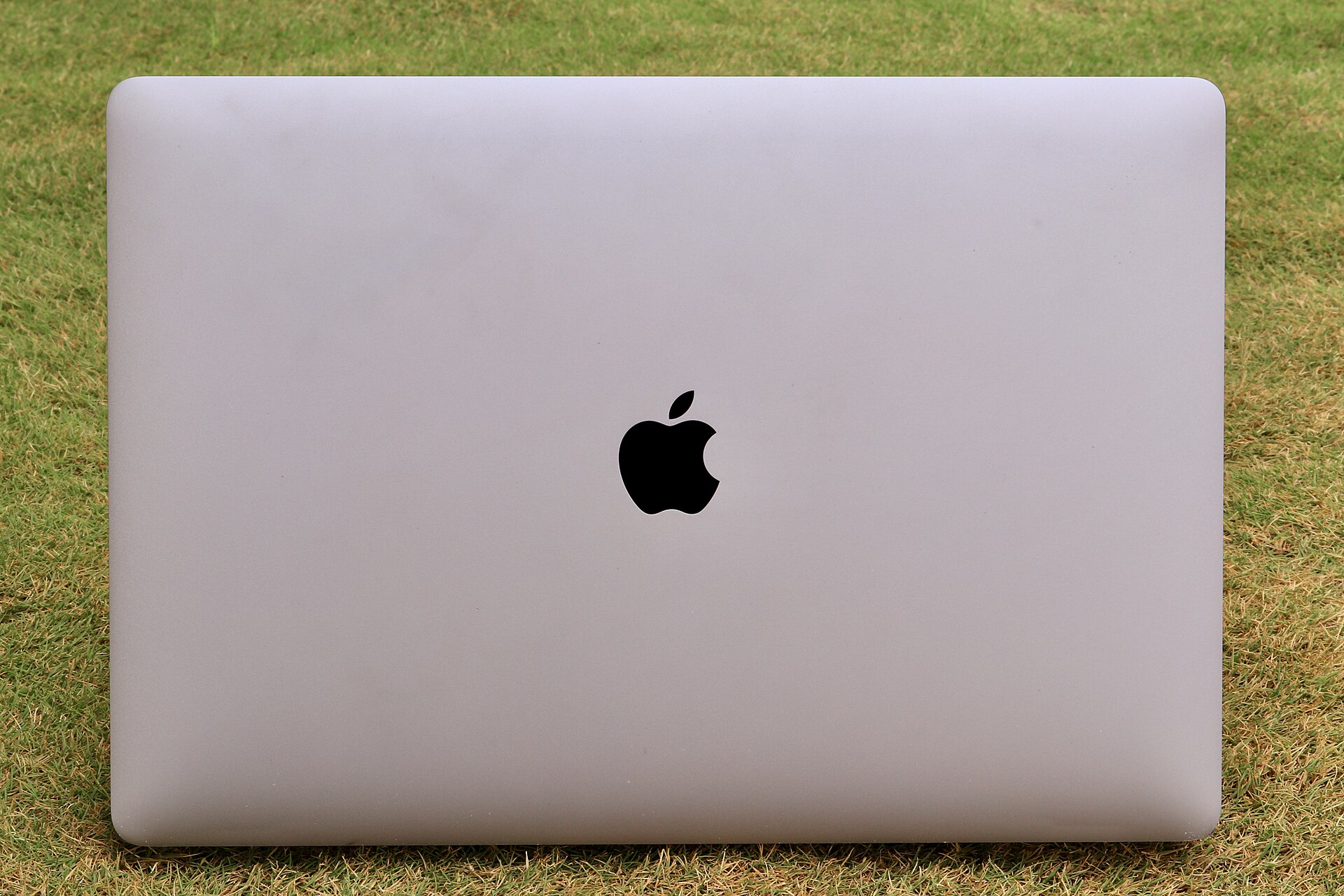
The new MacBook Pro with the PROLED XDR Display has reintroduced the illuminated Apple logo to the lid after a ten-year absence. While the feature generated significant attention during the product announcement, Apple acknowledges that not all users desire the constant illumination. The company has now released an official support document detailing how the lighting system functions and providing instructions for disabling it entirely.
Understanding the Illuminated Logo Mechanism
The lighting technology in the new MacBook Pro differs substantially from previous generations. Earlier models relied on light from the display backlight to shine through the logo. The new OLED-equipped MacBook Pro lacks a traditional backlight, requiring a distinct engineering approach to achieve the same visual effect.
According to Apple, the logo illuminates whenever the Mac is awake. The brightness level adjusts automatically based on two primary factors: the current screen brightness setting and the ambient light detected by the computer’s internal sensor. In dimly lit environments, the logo will appear dimmer, while brighter rooms trigger a higher intensity. This dynamic adjustment ensures the logo remains visible without causing excessive glare.
Independent reviewers have confirmed that the logo brightness is tied to screen brightness but also accounts for overall ambient conditions. When the laptop is closed, the logo appears as polished metal, consistent with the design language introduced in the 2016 redesign.
Terminal Commands to Disable the Logo
For users who prefer to keep the logo turned off at all times, Apple provides specific Terminal commands. These instructions require administrator privileges and access to the command line interface.
To disable the illumination, users must enter the following command:
sudo defaults write com.apple.CoreBrightness LEBacklightMode -int 0
This command modifies the CoreBrightness settings to prevent the logo from lighting up. The change takes effect immediately after execution.
To revert the setting and restore the automatic illumination, users can run the following command:
sudo defaults delete com.apple.CoreBrightness LEBacklightMode
Apple notes that reinstalling macOS will also reset the logo illumination to its default state. This means any custom configuration will be lost if the operating system is reinstalled from scratch.

Technical Details and Calibration
Technical analysis shared by developers indicates that the glowing Apple logo is fully controllable by software. The system utilizes 25kHz pulse-width modulation (PWM) for brightness control. Each device undergoes per-device calibration to ensure consistent lighting performance.
The relationship between screen brightness and logo brightness is managed by CoreBrightness. The adjustment algorithm varies depending on the enclosure color of the MacBook Pro, ensuring optimal visibility across different hardware finishes.
Users interested in the full technical specifications can refer to the official Apple support article. The document provides comprehensive details on the lighting system and troubleshooting steps for any issues related to the illuminated logo.
Source: 9to5Mac
