


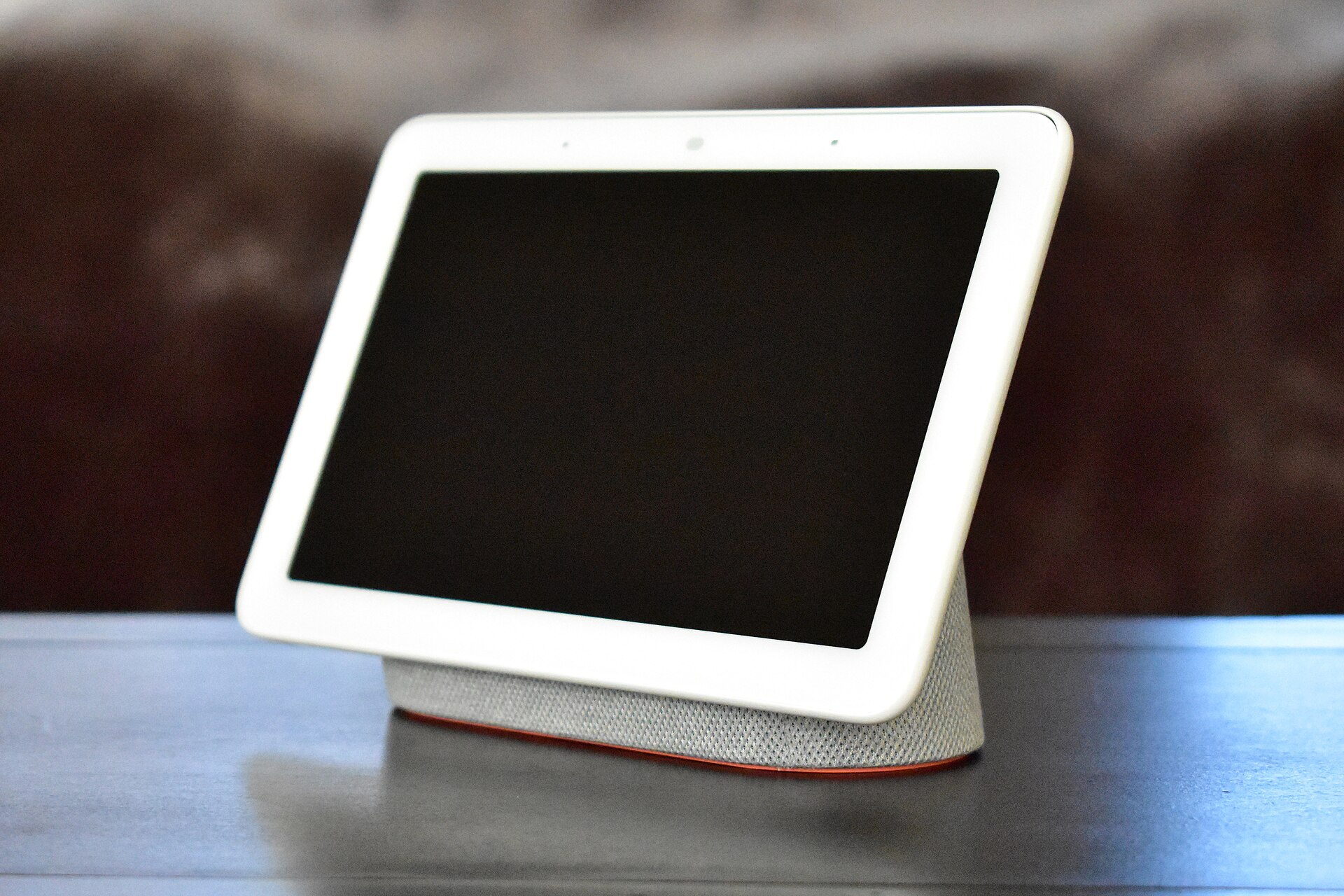
Apple has introduced the HomeView, its first dedicated smart home display. The device features a 7-inch square Liquid Retina touchscreen and is designed to serve as a central controller for household devices. It also functions as a personal assistant and home hub, integrating deeply with the Apple Home ecosystem and Siri AI.
Design and Interface
The HomeView is smaller than many competitors in the smart display category. The screen is large enough to nearly hide the small aluminum base, which doubles as a speaker. The display is bright and responsive, showing photos and customizable “faces” clearly. These faces resemble those found on the Apple Watch, allowing users to swipe through dozens of options to change the look of the device.
Apple offers two versions of the HomeView. One is designed for tabletop use, while the other is built for wall mounting. The wall-mounted model appears optimized for quick interactions, such as checking security cameras or adjusting room settings without picking up a phone.
The interface relies heavily on swiping gestures. Users can swipe left to cycle through home faces, tap widgets for deeper app controls, and swipe right for additional features. Swiping up returns to the main screen, while a second swipe up reveals on-board apps that sync from the user’s iPhone. A downward swipe from the top edge opens a control center similar to that on iOS devices. This menu also allows users to activate the 12-megapixel front-facing camera, effectively turning the display into a mirror.
Home App and Siri Integration
A dedicated Home Widget face pulls data directly from the Apple Home app. This allows users to control thermostats, door locks, and lighting scenes with a simple tap. The widget also provides a live view of HomeKit Secure Video cameras. Tapping into a camera feed can reveal nearby accessories, such as a garage door opener.
Security remains a priority. When attempting to unlock a door, the system requires authentication via Face ID or an iPhone, preventing unauthorized access. The Home Widget is essentially a scaled-up version of the iPhone app, optimized for walk-up-and-tap interaction.
Siri AI is central to the device’s functionality. It can pull personal context, such as text messages and calendar appointments, to answer voice requests. In demonstrations, Siri combined information from messages and transit data to calculate travel times and set routines. For example, it can automatically turn on a coffee maker based on a family member’s estimated arrival time.
Other features include a guided cooking experience. Users can transfer recipes from their iPhone to the HomeView using Handoff. The device reformats the recipe for easy reading and includes inline timers for each step. Apple states that most recipes using Google formatting will work with this feature. Siri also handles media requests, such as playing songs mentioned in text messages, with a response time of approximately eight seconds.
The HomeView is priced at $299. It is available for preorder now and begins shipping on November 13th.
Source: The Verge
